Start fast
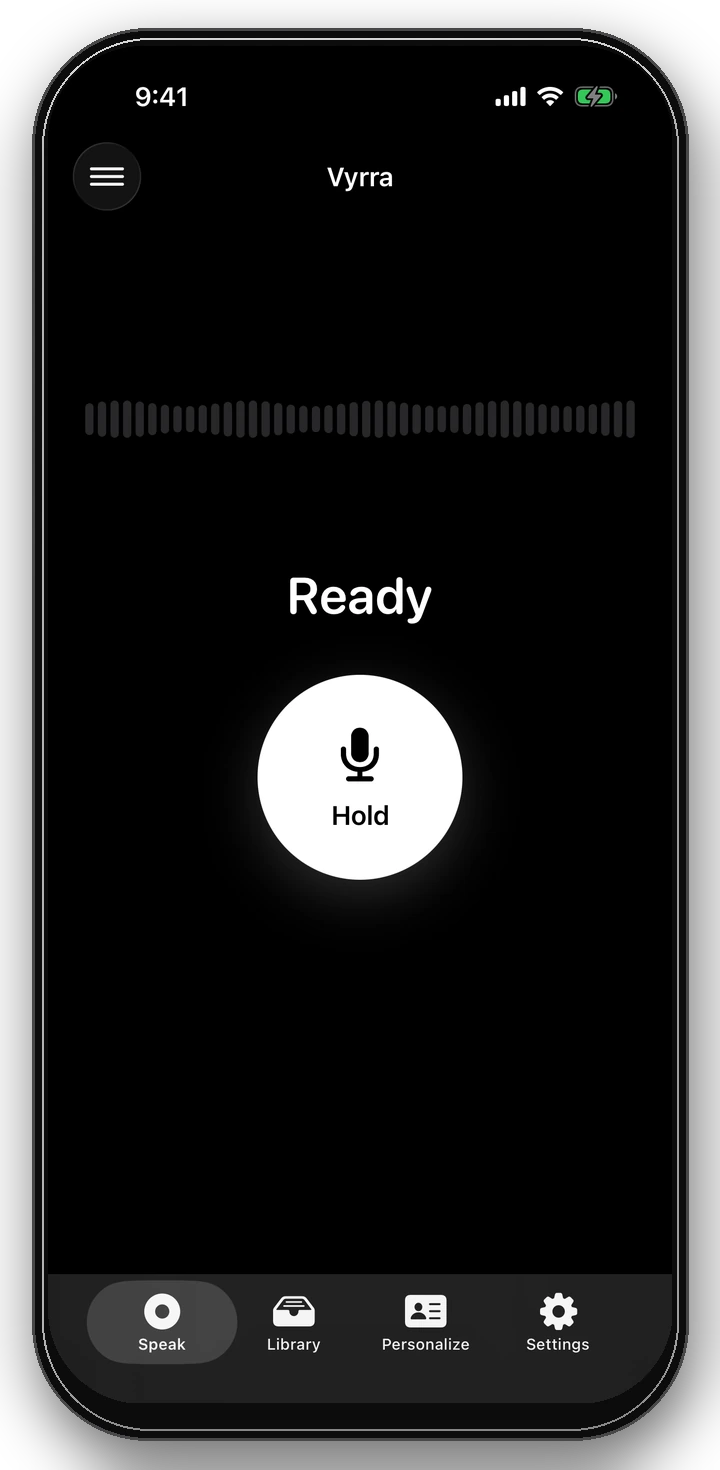
One clear control takes you from a thought to listening without setup clutter.
 Vyrra
Vyrra
Vyrra for iPhone · Free to use
Less typing. More finished thoughts.
The Vyrra experience
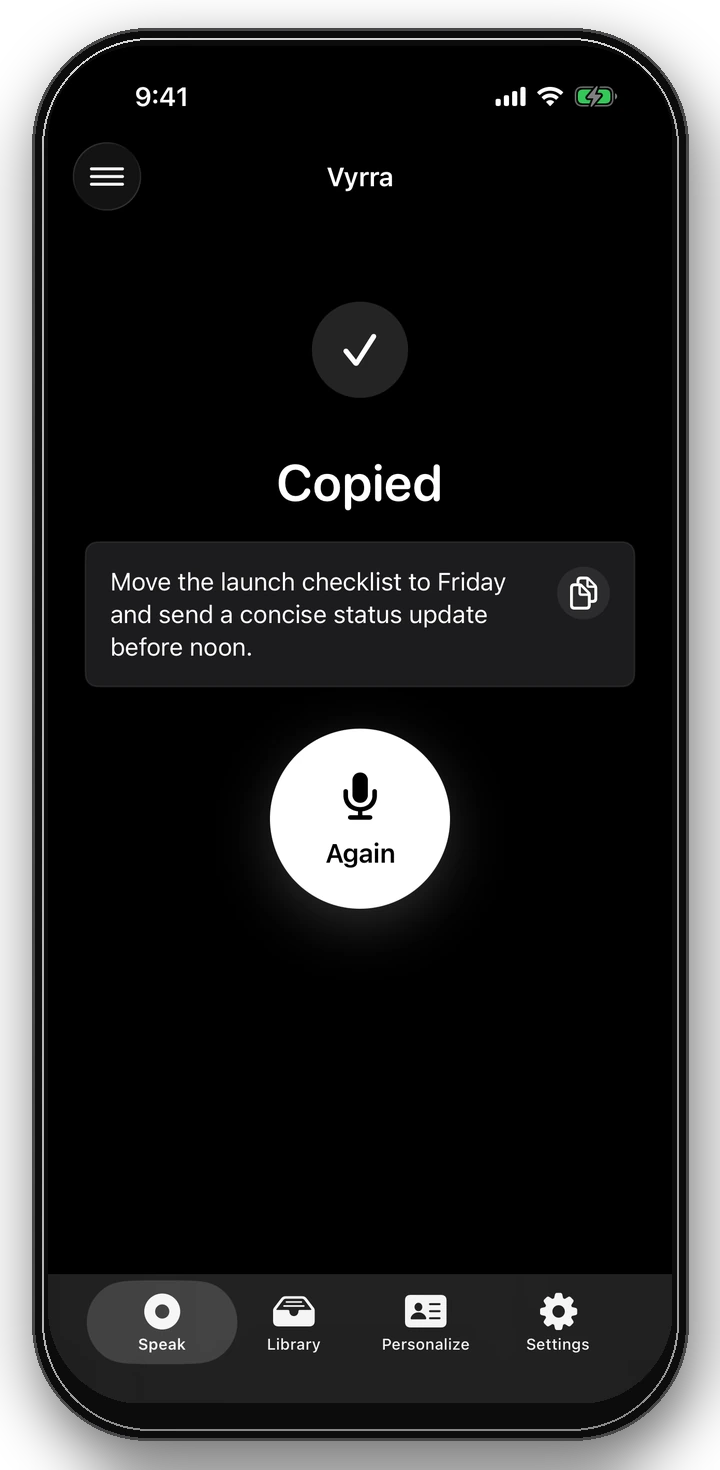
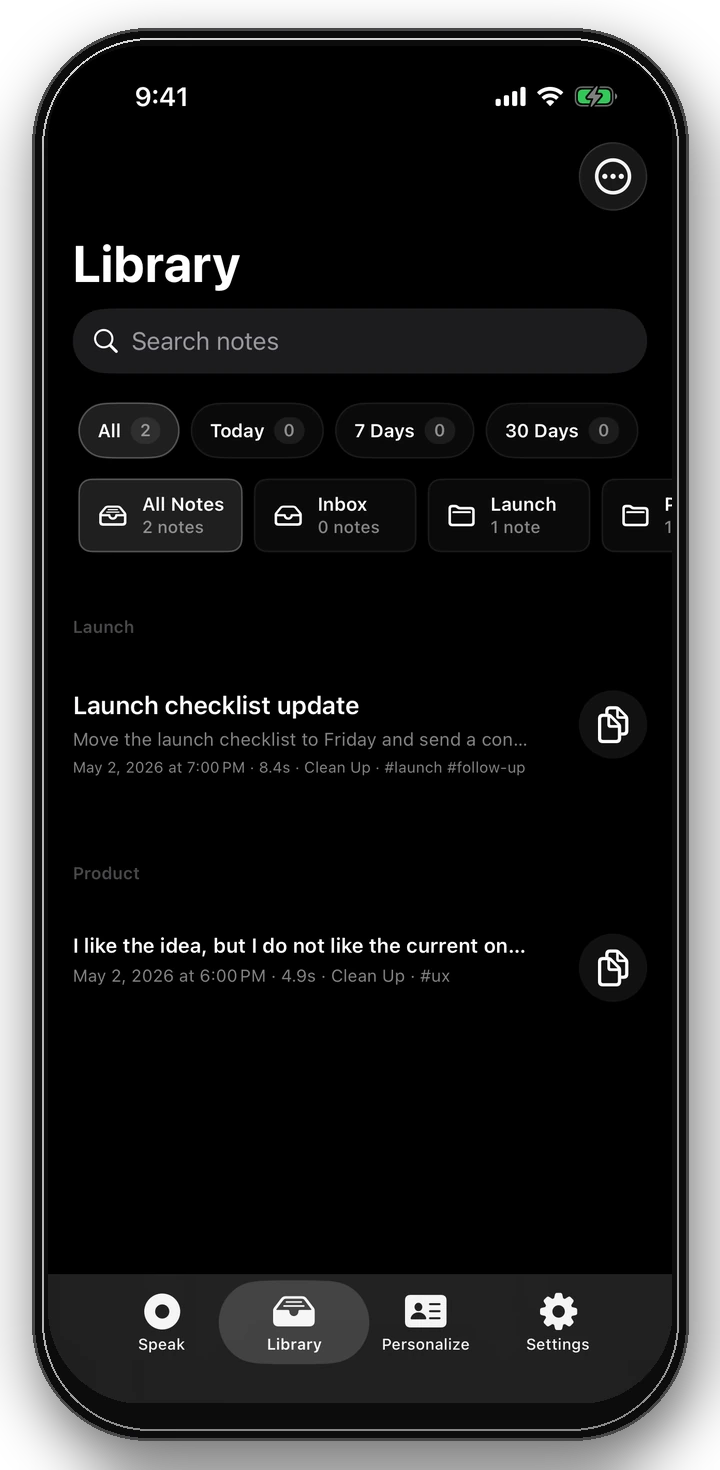
Press and hold, speak naturally, then release. Vyrra turns the thought into clean text you can copy, keep, or use where you are typing.
Built to stay out of the way
Vyrra keeps the loop short and every state clear, so the tool disappears and the words keep moving.
One clear control takes you from a thought to listening without setup clutter.
Teach Vyrra the names and phrases you use, then choose how finished text should feel.
No account is required, and searchable history is yours to turn on or leave off.
The whole loop
Vyrra removes the ceremony from short-form dictation while keeping every state clear and reversible.
Press and hold the single record control when you are ready to speak.
Talk naturally. Vyrra turns fresh speech into useful, polished text.
Release to finish, then paste the copied result into the app where it belongs.
Platform availability
Vyrra is iPhone-first. Every store link appears only when that platform has a real, verified listing.
Choose your platform
iPhone launch is pending. Google Play and Galaxy Store are planned after platform validation.
Questions? Read support